Screen smudges and dust always seem to appear at the worst possible time, especially right before settling in to enjoy a favourite show or film. Small marks may not look serious at first, but they can quickly affect picture clarity and overall viewing comfort. Many homeowners hesitate to clean their TV properly, worried that one wrong product or too much pressure could cause permanent damage to an expensive screen.
This is where expert guidance becomes essential, because knowing how to clean a TV screen safely helps prevent costly mistakes while keeping your display looking sharp and clear. TV screens require careful handling, as modern technology is far more delicate than it appears.
In this blog, we’ll explore safe cleaning methods, common mistakes to avoid, and expert-approved tips to help you maintain a spotless TV screen with confidence and long-lasting results.
Why Is It Important to Clean Your TV Screen?
A clean TV screen plays a vital role in maintaining both picture quality and the lifespan of your television. Dust, fingerprints, and smudges can dull colours, reduce sharpness, and cause glare, making viewing uncomfortable, especially in bright rooms.
Over time, built-up dirt can also trap heat around the screen area, which may affect overall performance. Regular cleaning helps preserve the protective coatings on modern screens, preventing long-term damage caused by grime or improper cleaning attempts.
Keeping your TV screen clean also improves eye comfort. Clearer visuals reduce strain during extended viewing sessions, ensuring a better and more enjoyable entertainment experience.
How Can You Identify Different Types of TV Screens?
Before starting any cleaning routine, it’s essential to identify the type of TV screen you own, as each screen technology requires specific care to avoid damage and maintain picture quality.
1. LCD/LED Screens
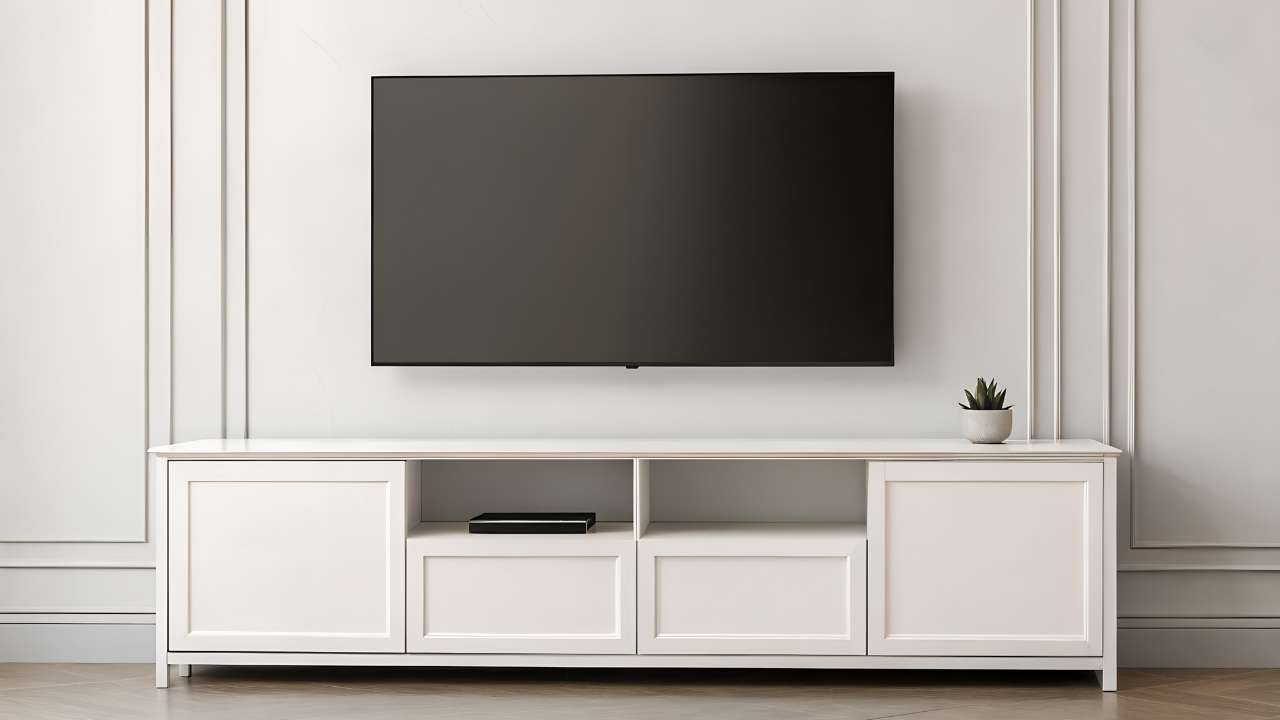
LCD and LED screens are commonly found in modern flat-screen TVs and monitors. They have delicate surface coatings that can be damaged by harsh cleaners or pressure, so gentle cleaning methods and soft cloths are essential.
2. OLED Screens
OLED screens use advanced organic materials to deliver superior picture quality. These screens are extremely sensitive to pressure and chemicals, making careful identification important so the correct, screen-safe cleaning approach is always used.
How To Clean TV Screen - Expert Tips for a Spotless Display
Following a structured, careful process ensures your TV screen is cleaned safely, helping maintain picture quality while avoiding scratches, streaks, or long-term damage.
Step 1: Turn off your TV
Always turn off and unplug your TV before cleaning begins. A powered-down screen is safer to handle and makes dust, fingerprints, and smudges far easier to see. Allow the screen to cool completely so moisture does not evaporate quickly and leave visible streaks.
Step 2: Gather Your Cleaning Supplies
Use a clean, lint-free microfibre cloth along with distilled water or a screen-safe cleaning solution. Avoid paper towels, tissues, or household sprays, as these can scratch the surface or damage protective coatings designed to keep modern TV screens clear and durable.
Step 3: Dusting
Start by gently dusting the screen using a dry microfibre cloth. Light, circular motions help lift loose particles without pressure, reducing the risk of scratches. Regular dusting prevents build-up and limits the need for frequent damp cleaning sessions over time in busy households.
Step 4: Apply the Cleaning Solution
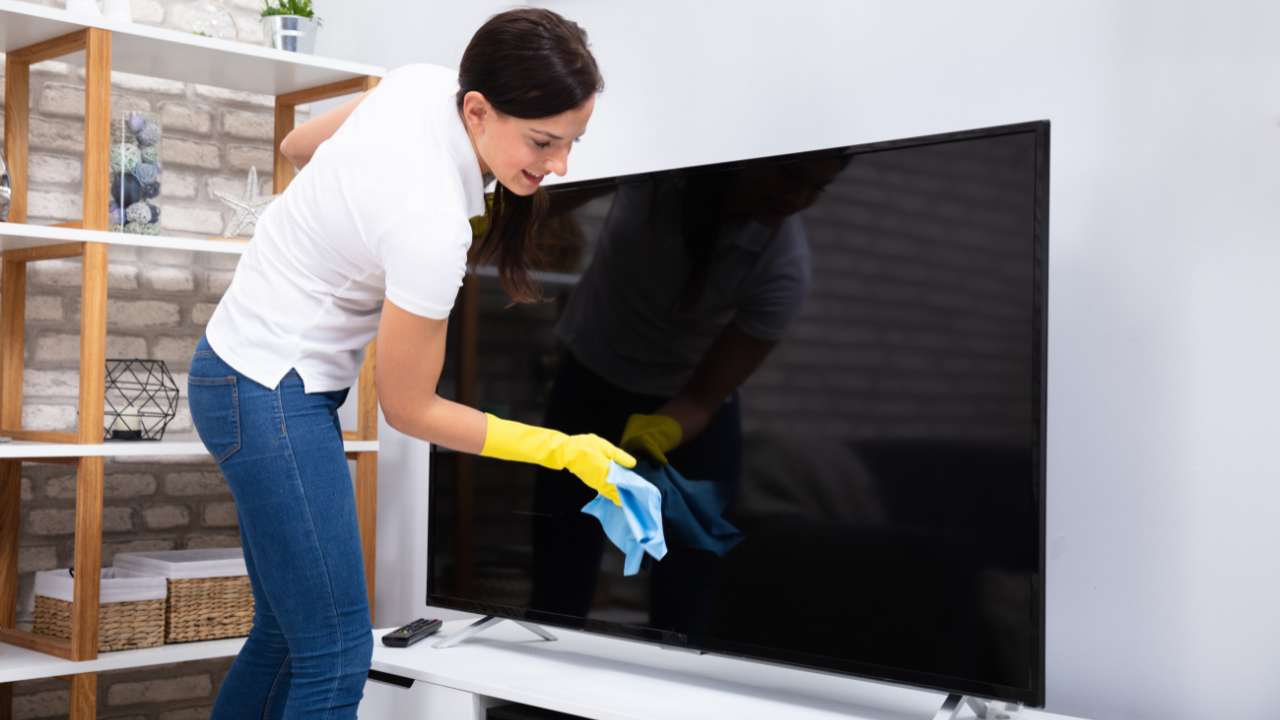
Lightly dampen a small section of the microfibre cloth with distilled water or a screen-safe cleaner. The cloth should feel barely moist, never wet. Spraying liquid directly onto the screen increases the risk of internal moisture damage to sensitive electronic components.
Step 5: Wipe the screen
Using gentle, even strokes, wipe the screen slowly from top to bottom. Focus on fingerprints and visible marks while applying minimal pressure. Excessive force can damage delicate pixels or permanently affect the screen’s protective surface and reduce overall picture quality over time.
Step 6: Dry the screen
After cleaning, switch to a dry area of the microfibre cloth to remove remaining moisture. Drying the screen properly helps prevent water marks, streaks, and uneven patches, leaving the display clean, clear, and ready for use in everyday viewing environments.
Step 7: Check for streaks and smudges
Once dry, inspect the screen carefully from different angles and lighting conditions. This helps reveal faint streaks or smudges that may not be immediately visible. Light buffing with a clean cloth usually restores a flawless finish without risking surface damage.
Step 8: Reconnect and Power On
After confirming the screen is completely dry and streak-free, reconnect all cables and power the TV back on. A properly cleaned screen delivers sharper images, better colour clarity, and a more enjoyable viewing experience overall for everyday entertainment use at home.
Why Should You Clean Your TV Screens?
Regular TV screen cleaning is not just about looks; it plays an important role in performance, longevity, and overall viewing comfort.
1. Maintain Optimal Performance
Dust, fingerprints, and smudges can interfere with picture clarity by dulling colours and reducing sharpness. A clean screen allows light to pass through properly, ensuring accurate contrast and brightness. Regular cleaning helps your TV deliver the high-quality visuals it was designed to provide.
2. Extend the Lifespan of Your TV

Built-up dirt and grime can trap heat around the screen and surrounding areas, which may affect internal components over time. Routine cleaning helps protect sensitive screen coatings and reduces the risk of damage caused by improper cleaning attempts or neglect.
3. Improve Appearance
A clean TV screen instantly improves the look of your living space. Smudge-free screens create a polished, well-maintained appearance, making your entertainment area more inviting and enjoyable for both everyday viewing and guests.
4. Reduce Eye Strain
Watching a dirty or streaked screen can cause unnecessary eye strain, especially during long viewing sessions. A clear screen improves visual comfort, helping your eyes focus more easily and making extended TV use more relaxing.
Conclusion
Keeping your TV screen clean is an essential part of maintaining picture quality, protecting delicate screen technology, and ensuring a comfortable viewing experience. By understanding your screen type, using the right tools, and following safe, step-by-step cleaning methods, you can prevent damage while achieving a clear, spotless display.
Regular cleaning not only improves performance and appearance but also helps extend the lifespan of your television, making it a simple yet valuable household habit.
For homeowners who value professional care and attention to detail, Perfect Clean is here to help. Contact Perfect Clean today to enjoy a fresher, cleaner home maintained by experienced professionals you can rely on.